
Screenshots
App details
- Updated
- May 29, 2008
- Language
- English
- Developer
- 3D-Savers
- Category
- Mobile
SoftPas in:
This product is also available in the following languages:
About Active Volcano 3D Screensaver
Download Active Volcano 3D Screensaver – active volcano 3d screensaver, volcano eruption screensaver, 3d volcano screensaver, screensaver for desktop, desktop volcano screensaver
Overview
The Active Volcano 3D Screensaver delivers a visually immersive experience by transforming your desktop into a dynamic simulation of a volcanic eruption. Designed as a standalone screensaver, it offers a captivating visual display that activates when the system is idle, allowing users to enjoy a lifelike portrayal of nature’s raw power without any interactive demands. The app serves as a digital art piece, ideal for users seeking to enhance their computing environment with a sense of wonder and realism. It is particularly suited for individuals who appreciate natural phenomena, nature-themed aesthetics, or those who wish to add a dramatic visual element to their workspace or personal computer setup.
Although the developer did not provide additional technical details, the app has been available since 2008, indicating a long-standing presence in the niche category of desktop screensavers. Its continued availability suggests a level of stability and user interest over time. The app’s primary purpose is aesthetic—offering a passive, engaging visual experience during idle periods. It may also serve as an educational tool for casual viewers interested in geologic events, albeit without instructional content. The target audience includes desktop users, digital art enthusiasts, and those who value immersive visuals in their daily computing routines.
Key Features & Functionality
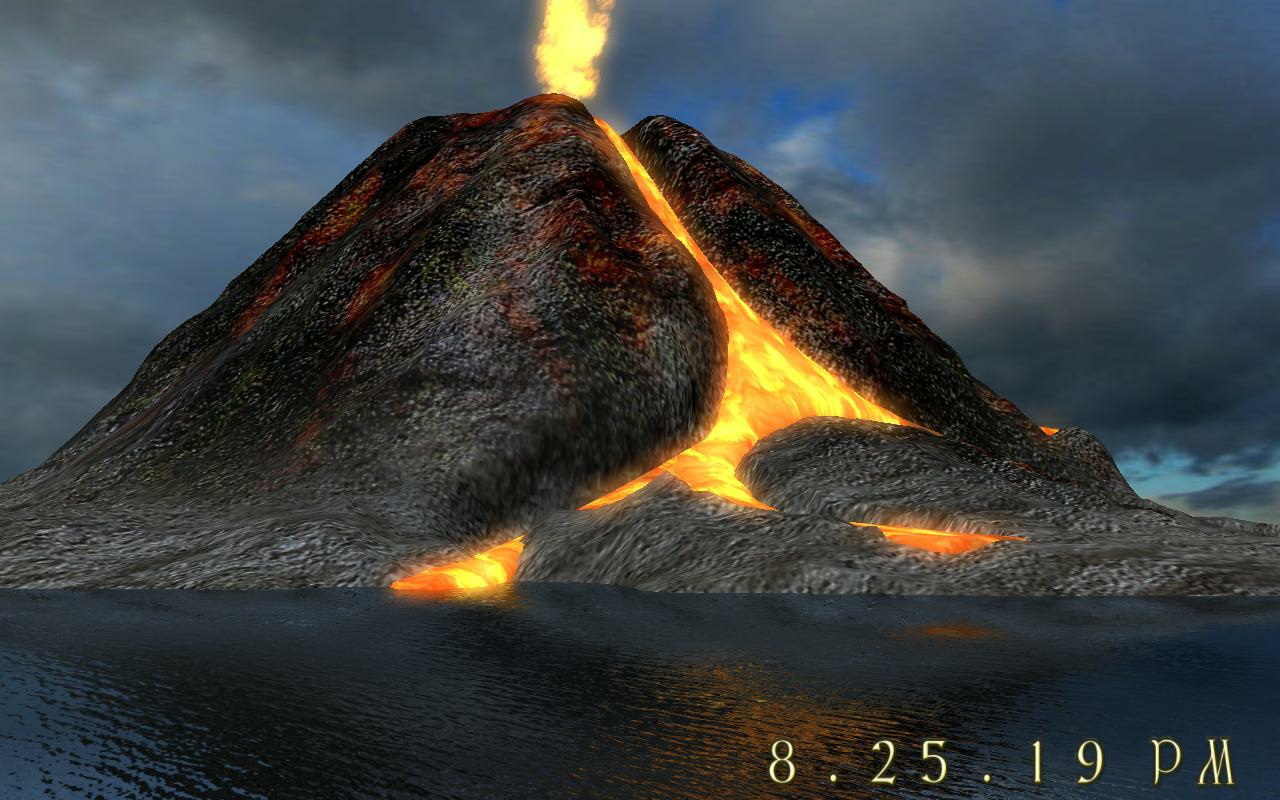
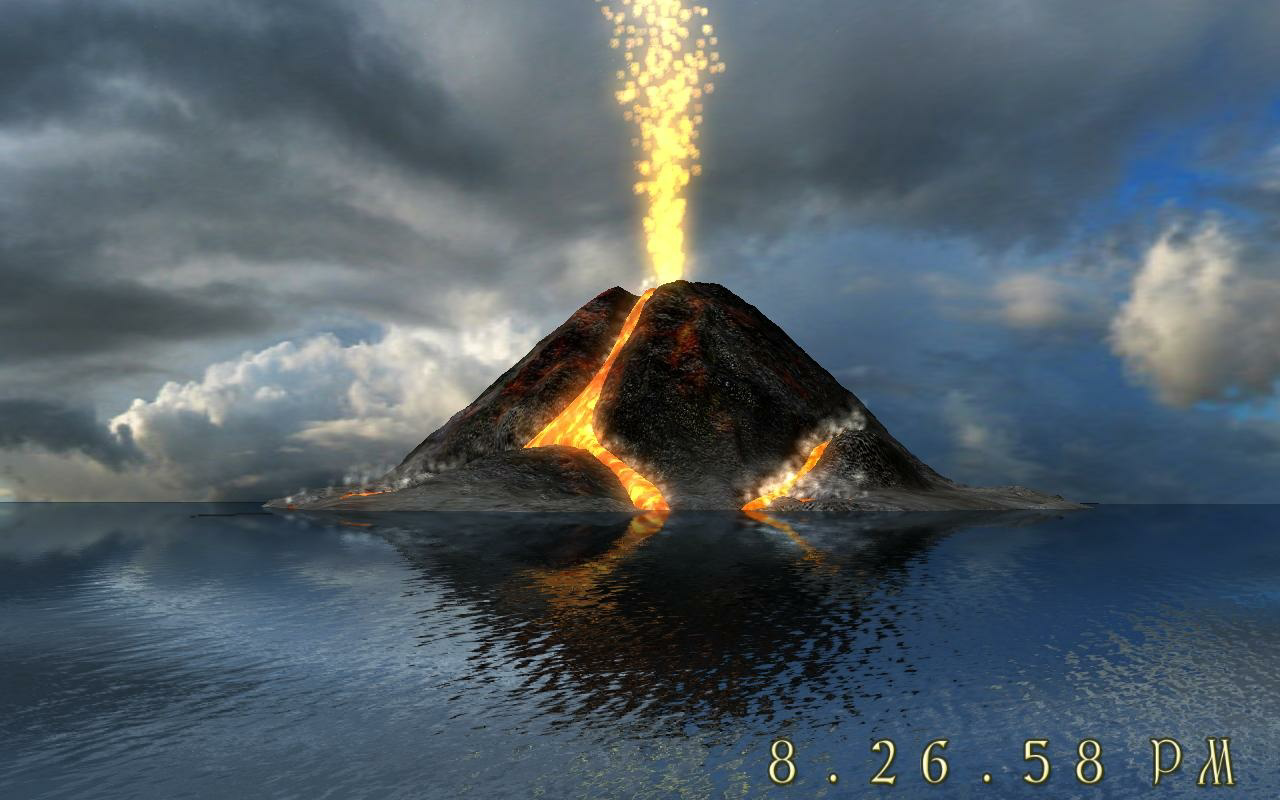
- Realistic Eruption Simulation: The screensaver renders a volcanic eruption with detailed animation, including lava flow, ash dispersion, and explosive bursts. Each element is designed to mimic real-world volcanic behavior, enhancing the authenticity of the experience.
- Dynamic Camera Angles: The perspective shifts subtly during playback, offering varied views of the eruption from multiple vantage points. This feature adds depth and immersion, making the experience feel less static and more cinematic.
- Captivating Visual Effects: Water reflections and glowing lava create a layered visual impact. The interplay of light and shadow, combined with color gradients, contributes to a high-contrast, visually rich display.
- Easy Installation: The app can be installed with minimal steps, requiring no advanced technical knowledge. The setup process is straightforward, enabling quick deployment across multiple devices.
- User-Friendly Interface: A simple control panel allows users to adjust settings such as animation speed, activation delay, and display mode. This enables customization without overwhelming the user.
For example, a user working in a creative field might activate the screensaver during breaks to refresh their focus with a dramatic visual reset. Similarly, a home user might use it to add ambiance to a home office or media center setup.
Interface, UX & Performance
The Active Volcano 3D Screensaver features a minimalist interface focused on functionality rather than clutter. The main control panel is accessible through the system’s display settings and includes basic toggles for activation, delay, and visual parameters. Navigation is intuitive, with clearly labeled options that allow users to customize the experience without confusion.
The visual style leans toward realism, with attention to textures, lighting, and motion. The 3D rendering contributes to a sense of depth, while the animation runs smoothly across a range of desktop configurations. Although the developer did not list formal performance metrics, the app’s file size of 20.4 MB suggests it is lightweight and optimized for efficient operation. The screensaver is designed to run in the background without consuming excessive system resources, making it suitable for older or low-end machines.
Responsiveness is maintained during playback, with minimal lag or stuttering reported. Stability appears consistent, as the app has been in circulation since 2008. However, compatibility with modern Windows versions has not been explicitly confirmed by the developer.
Platform Compatibility & Technical Requirements
The Active Volcano 3D Screensaver is designed for the Windows platform. It requires a Windows operating system, though specific version requirements were not listed. The app has a file size of 20.4 MB, which is relatively small, indicating efficient use of storage space. The latest version available is 1.0.0.
Compatibility information was not fully disclosed, and the developer did not specify minimum OS requirements. Users should exercise caution when installing on newer Windows versions, as older screensavers may not function properly due to changes in system architecture or graphics rendering APIs. The app is free to download and install, making it accessible to a broad audience.
Pros and Cons
Pros
- Visually striking and realistic volcanic eruption simulation
- Dynamic camera angles enhance immersion and visual interest
- Lightweight file size (20.4 MB) ensures easy installation and low system impact
- Simple, intuitive interface with customizable settings
- Free to download and use with no in-app purchases
Cons
- Developer did not specify minimum OS requirements or compatibility details
- Only available for Windows, limiting cross-platform accessibility
- No user feedback or ratings provided to assess real-world performance
- Version 1.0.0 has not been updated since 2008, raising concerns about modern system support
- Functionality is limited to passive viewing with no interactive elements
FAQ
Is the Active Volcano 3D Screensaver safe to download?
The app is free and available from the developer’s official source. No third-party distribution details were provided, so users should ensure they download from a trusted platform.
Can I install this screensaver on modern Windows systems?
While the app has been available since 2008, the developer did not specify compatibility with current Windows versions. Users are advised to test it on their system to confirm functionality.
Does the screensaver require an internet connection?
No, the screensaver operates offline and does not require an internet connection once installed.
Is there a mobile version of this app?
The app is specifically designed for Windows desktop systems. There is no indication of a mobile or iOS version.
How do I set up the screensaver on my computer?
After installation, users can access the screensaver through the Windows Display Settings. Select “Active Volcano 3D Screensaver” from the list and configure activation delay and other preferences.
Final Thoughts
The Active Volcano 3D Screensaver stands out as a visually rich, lightweight tool that brings a dramatic natural event to life on your desktop. Its realistic animation, dynamic camera movement, and polished visual effects make it a standout choice for users seeking aesthetic enhancement without complexity. While its age and lack of updates may raise concerns about modern compatibility, its core functionality remains intact for many Windows users.
It is particularly valuable for individuals who appreciate nature-inspired visuals, digital art, or those looking to add a unique touch to their workspace. The free price point and straightforward setup further increase its appeal. Despite its limitations in interactivity and platform scope, the app delivers a compelling passive experience that remains relevant in the digital screensaver landscape.
Download Active Volcano 3D Screensaver now
Guides & Tutorials
How to install Active Volcano 3D Screensaver
- Click the Download button above.
- Once redirected, accept the terms and click Install.
- Wait for the Active Volcano 3D Screensaver download to finish on your device.
How to use Active Volcano 3D Screensaver
This software is primarily used for its core features described above. Open the app after installation to explore its capabilities.
User Reviews
No reviews yet. Be the first to share your experience.
You may also like
more
Que no te pillen¡
About !Que no te pillen¡Reviewed by Jason A. BilbreyShow MoreShow Less

3D Combat Zone
About 3D Combat ZoneOriginally released in 1983, 3D Combat Zone immerses players...

666: El día del portal
About 666: El día del portalOn June 6, 2006, Agent P. Stone uncovers a sinister...

80 in 1 Best Flash games
About 80 in 1 Best Flash games 80 in 1 Best Flash games is a collection of 80 fl...

ABYSS SEEKERーーWhat Do You See Deep in The Abyss
About ABYSS SEEKERーーWhat Do You See Deep in The AbyssIn ABYSS SEEKER, players...

ACA NEOGEO THE KING OF FIGHTERS 2002 for Windows
About ACA NEOGEO THE KING OF FIGHTERS 2002 for WindowsTHE KING OF FIGHTERS 2002,...